Arkieva.Collaboration.Services.Overrides not found?
If at the beginning of the installation “Uninstall.cmd” in “Arkieva.Collaboration.Services.Overrides” is not found, it is trying to uninstall something that it cannot find. This can be resolved by copy/pasting the inetpub\wwwroot\Arkieva folder from an existing 4.5 installation, which contains Uninstall.cmd.
Related Articles
How do I simulate overrides?
Simulate Overrides calculates some data in memory, but not complex data. In Memory Mode features no SQL Calculations. SELECT * FROM Information Schema, shows all of the columns from tables in the database: SELECT TableName, ColumnName, ...Arkieva.collaboration add-in error message?
Click 'No' if this error window pops up while using Arkieva Excel Collaboration. If click 'Yes', the plug-in will stop working.What to do if overrides are not working?
Delete Null Attribute Isolate a single override that is failing, preferably one at a very low level that affects very few rows in the fact table (a single record would be best), then capture the SQL queries made around processing that override. An ..."TimeoutException occurred" error when reinstalling Arkieva Services?
An mdf file from the previous installation on the local db Arkieva Server can cause this error.How do I manually set the impersonation account to run Arkieva services?
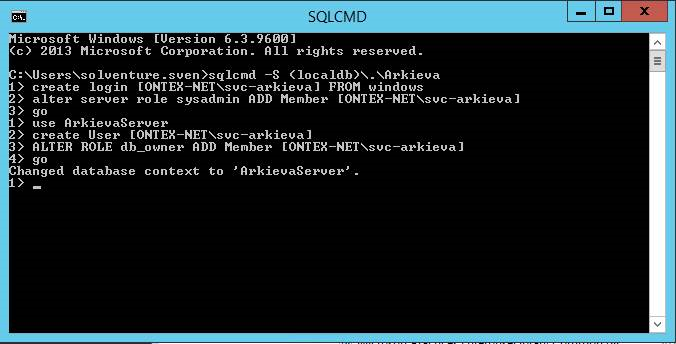
When installing the Arkieva application as another user than the service account, the Service account will not have access to the Message Queues, which must be added afterwards. Please watch this video to learn how. Also, change the Log On As account ...