Forecast Formulas
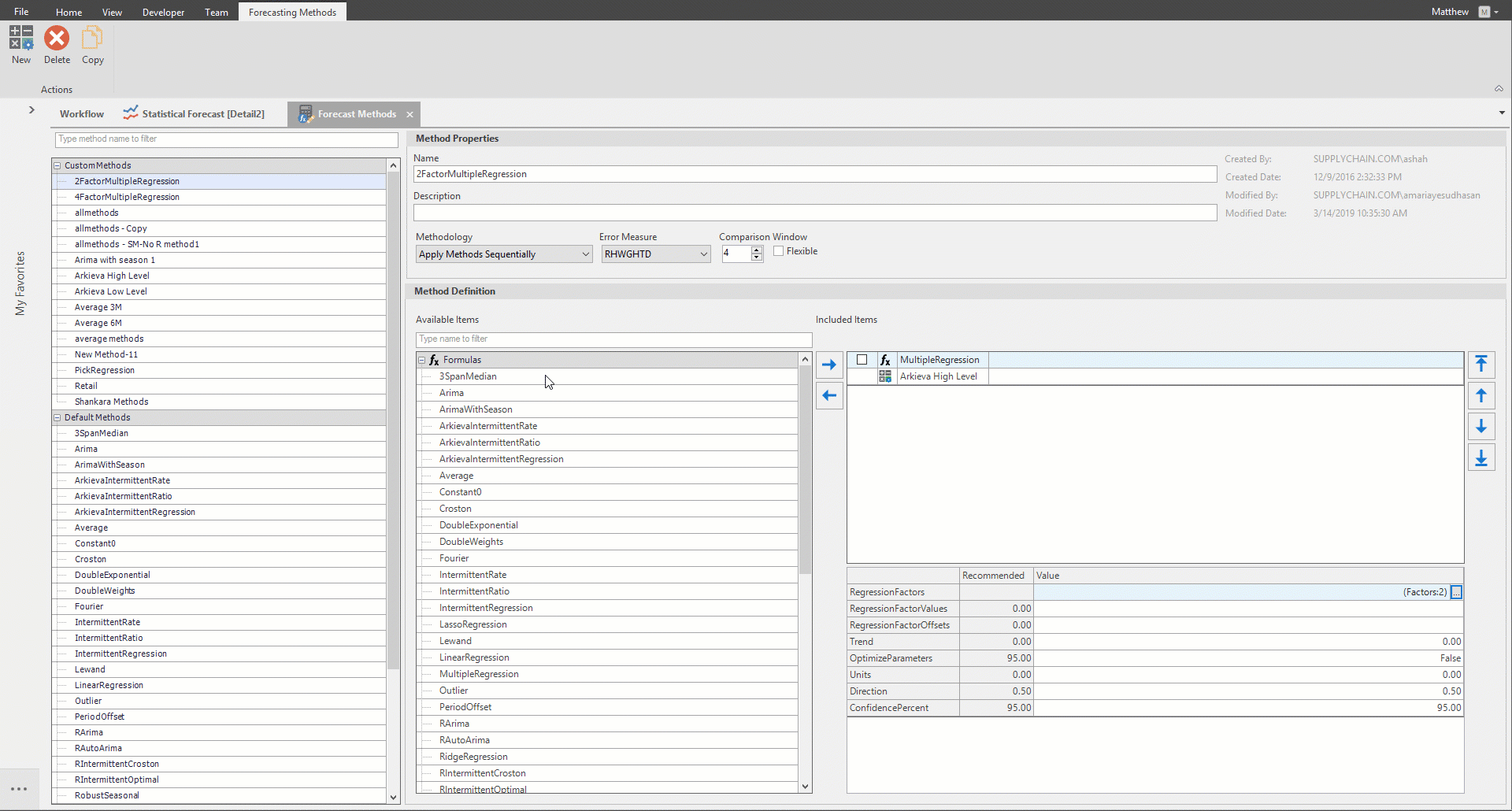
When selecting a formula, the associated methods will be highlighted under the Method section.
Smoothing Formulas
The Smoothing Formulas are 3_Span_Median_S, Average_S, and Weights_S. For forecasting highly variable series, a method can be defined which applies a smoothing formula prior to a forecasting formula.
For example, the Method Formulas pane could show Weights_S followed by Seasonal. Smoothing can also be applied to forecast output, most often for the Winters formulas. In that case the Method Formulas pane could show A_Winters followed by Weights_S. For 3_Span_Median_s, each value is replaced by the median of itself and its two nearest neighbors. For the Weighed Average formulas (Average_S and Weights_S) each value is replaced by a weighted average of itself and k –1 of its neighbors, where k is the value of the Nmb_of_Wghts parameter. The weights are the same as in the forecasting versions of these formulas
Most useful is a Weights_S formula where k is odd and the weights peak with the middle value, such as 1 2 4 2 1. In this case the Offset parameter should be set to j= (k-1)/2 in order to replace each historical value by a weighted average of itself and its j nearest neighbors on each side. In general, when computing the smoothed value at time t, the smoothing window is a set of k consecutive values time periods ending with t-j, where j is the value of the Offset parameter; thus the smoothing window consists of t-j-k+1, t-j-k+2, …, t-j.
Lot Sizing (Unitizing) the forecast results
The statistical forecast is linear in nature; i.e. it does not represent truck loads, or rail car loads, or any such units that actual shipments might take place in. For this reason, there is often a need for unitizing or lot-sizing the continuous (or smooth or linear) forecast. This is done through the Unitize_S formula.
Common Parameters
The Regrssn_Wghts Parameter: This parameter affects the regression formulas Linear_Reg, Seasonal, and Multi_Reg. In addition, the A_Winters, M_Winters, and Outlier_S formulas may use regression computations which are affected by this parameter. The value w of this parameter determines the relative weight given to recent as opposed to less recent history. With w = 1 (the default value), all history is weighted equally. As w is decreased below 1, recent history affects the fit more closely than the more distant past.
Choose values of w between .9 and 1. The weights in the previous periods decline exponentially. The regression methods (Linear, Seasonal and both Winters) weight all history equally by default. With Linear and Seasonal one can place more emphasis on recent history (by setting the Regression Weight parameter to a value less than 1) but one cannot weight it any less than the more remote history. The exponential smoothing methods (single and double) weight recent history more than less recent, but one can minimize this effect in two ways – by increasing Nmb_Of_Periods (so that the method looks farther back in history) and by choosing Theta close to 0 (so that relative weights of these periods are nearly constant).
For example, with Theta = .01 and Nmb_Of_Periods = 12 you get nearly equal weights on the last 12 months.
Weighted Average Formulas
The Weighted Average formulas are Average, Single_Exp, and Weights. With a Weighted Average formula, the forecast is a weighted average of the previous k observed values, where k is equal to the value of the Nmb_of_Wghts parameter. The first weight applies to the last (most recent) historical value, the second weight applies to the second last historical value, and so on. Small to moderate choices of k in the 4 to 8 range work well.
With the Average formula all k weights are equal; with the Single_Exp formula they decrease back in time exponentially as determined by the parameter Theta; and with the Weights formula any non-negative weights can be typed in. In most cases, Single_Exp with several parameter settings will provide enough flexibility in assigning the weights.
Linear Trend Formulas
The linear trend formulas are Double_Exp, Double_Weights, and Linear_Reg. Each of these three formulas projects a linear trend into the future, so that an increment x is added to the forecast each period. Setting the Damping parameter to a value d between .9 and 1 has the effect of decreasing the increment as time moves into the future. In particular, at time k steps into the future, the trend increment is x * dk-1. (dk-1 gets progressively smaller ask gets larger as long as d is smaller than 1). Below is a table for different values of d and k. Thus, if a damping factor 0f 0.9 is used, then increment to the forecast in the 6th period out will be about 59% of the one without damping. The dampening factor converts the future forecasts from a straight line (when generated from a trend formula) to a curve that approaches a horizontal line as you move to the right. There is no system for choosing D; it’s just a matter of how quickly you want to kill off trends.
Seasonality Formulas
The seasonality formulas are Seasonal, A_Winters, and M_Winters: Each of these has a Nmb_of_Prds_in_a_Year parameter which determines the length of a seasonal cycle. Usually this will be set to 12 for monthly forecasting, 4 for quarterly forecasting, etc. The Expert System and Outlier_S formulas perform tests for seasonality and so require this parameter also. Each Seasonality formula fits a linear trend to the history, which is modified by a seasonal adjustment for each period within the cycle. These formulas require at least two years of history.
If one of these formulas is chosen by the optimal formula, the Seasonal F-Test statistic can be used as a check on whether a seasonality formula is justified. These methods can now do an initial F Test to check for seasonality; if the F Test fails, a linear regression is run instead. This is to avoid checking for seasonality in non-seasonal data.
To use this feature, set the Regrssn_Wghts parameter equal to a value between 0.05 and 0.10. Values close to 0 make the F Test stricter, resulting in more series being excluded for consideration from seasonal method; typically, a value in the 0.05-0.10 range should be used. Use a higher value if this excludes too many series. The Offset Parameter: Some formulas have an Offset parameter. This should be set to 0 (the default value) except for the smoothing formulas (those ending in _s), as described below.
Related Articles
Forecast Methods
Introduction To create a custom method to be used in the Statistical Forecast component, click the New button located in the Forecasting Methods ribbon. The new method with the name 'New Method' will appear under the Custom Methods category. Under ...Forecast Netting
The netting process evaluates which part of the forecast has not been ordered or shipped yet. The outcome of the process is a remaining forecast in daily buckets. Normally this aggregates back up to the time level (week, month) that the planning is ...Forecast Performance
The following is a list of Performance Metrics. Bias Total bias shows how many units your forecast is deviating from the actual sales values in absolute terms and whether the forecast is biased towards overestimating or underestimating the actual. ...Statistical Forecast
Introduction What is Statistical Forecasting? Statistical Forecasting is one of the components of the overall Arkieva Demand Planning process. The purpose of the Demand Planning process is to create an Unconstrained Consensus Demand Plan from the ...Expressions, Functions, Formulas, Logical Operators
Functions, Formulas and Logical Operators Arkieva allows users to add expressions to a variety of documents like Workbenches, Quick Reports, as well as define measures within the Arkieva Setup Manager. When defining the expressions, mathematical ...